



La computadora lenta está a través de la habitación
Inspección de los recursos del sistema
Inspeccione CPU, memoria, disco e información de red suministrada por el objetivo. Los datos de temperatura y GPU dependen de la plataforma.
 ArcRelay Monitor
ArcRelay Monitor
Hecho para · Para usuarios que consultan el estado de otro ordenador
Consulta CPU, memoria, disco y red desde un dispositivo de confianza y usa acciones multimedia o del sistema autorizadas cuando sea necesario.
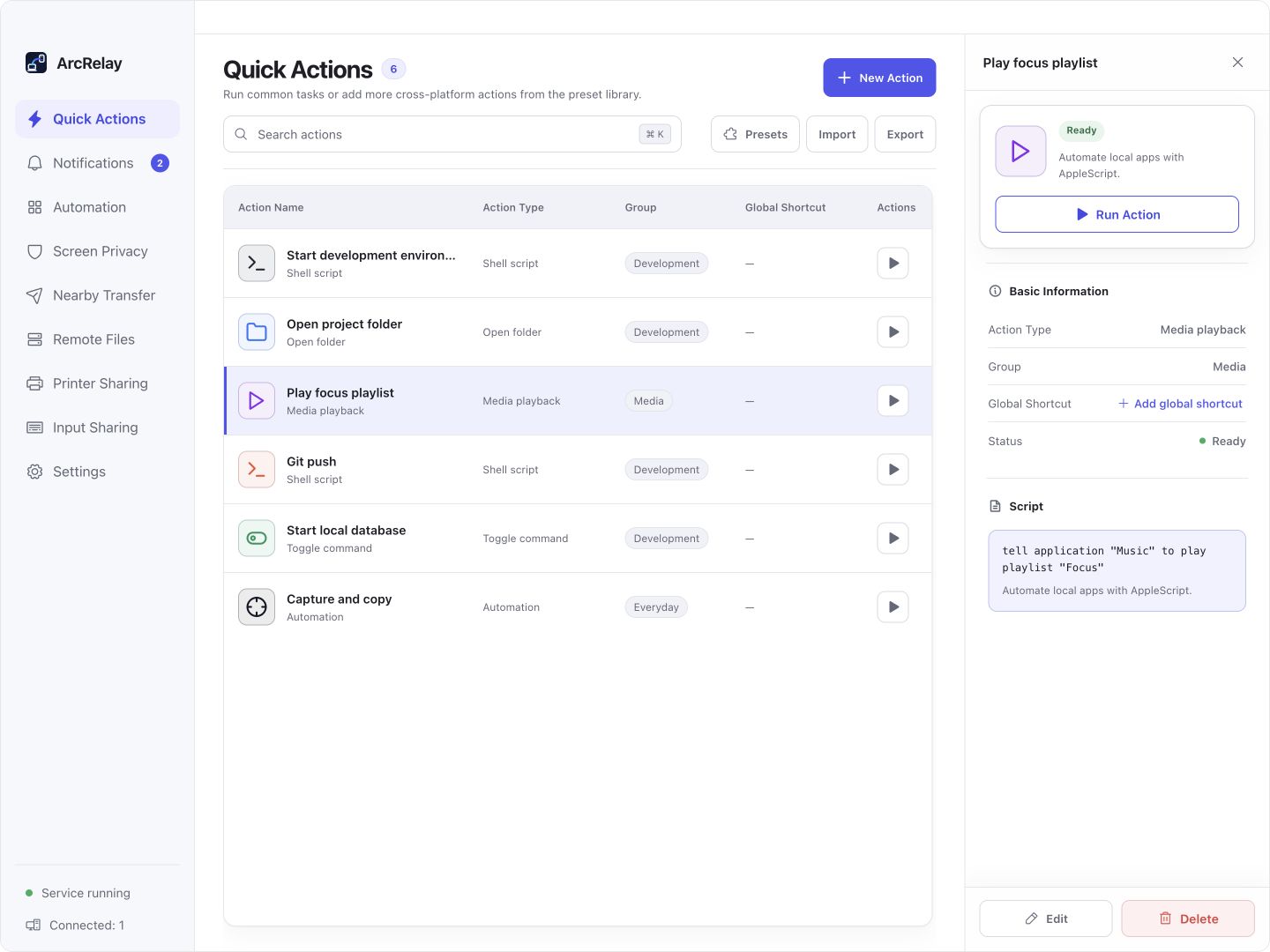
Una acción multimedia en las acciones rápidas de Suite. Se muestra su configuración, no las vistas de recursos del sistema.
Capturado desde una vista previa del desarrollo en inglés de la interfaz de escritorio actual con dispositivos de ejemplo y contenido. La versión instalada determina la interfaz y las características disponibles.
PENSADO PARA TU DÍA A DÍA
Compruebe un ordenador en su red de dispositivos de confianza sin caminar de vuelta a su escritorio, a continuación, utilice sólo las acciones que tiene permiso para ejecutar.
La computadora lenta está a través de la habitación
Inspeccione CPU, memoria, disco e información de red suministrada por el objetivo. Los datos de temperatura y GPU dependen de la plataforma.
Dejar la música te envía de vuelta a otro escritorio
Utilice las acciones de juego/pausa, volumen o sistema con las permisos correspondientes. El estado de visualización no otorga control irrestricto.
El acceso a la situación no debe significar un control sin restricciones
Permitir el estado, el proceso, los medios y las capacidades del sistema de acuerdo a las necesidades. Las acciones peligrosas mantienen confirmación local.
EMPIEZA CON UNA TAREA
Verificar la identidad del objetivo y el estado en línea en la lista de dispositivos, a continuación, par.
Conceda sólo el estado, proceso o capacidades de medios que necesita; el acceso al estado no es control sin restricciones.
Inspeccione CPU, memoria, disco o información de red. Utilice los medios de comunicación o las acciones del sistema sólo con sus correspondientes permisos.
ANTES DE EMPEZAR
Las capacidades de temperatura, GPU, procesos y medios varían según la plataforma. No se trata de una plataforma de monitoreo en la nube ni de un servicio de alerta permanente.
Esta página describe el valor del producto enfocado; no anuncia una versión independiente del paquete.
Lea los detalles de la función y el permisoArcRelay Suite reúne tareas de entrada, contenido y locales sobre conexiones de dispositivos confiables.